Microsoft integrations
Fellow Intranet and Fellow LMS offer various standard integrations with the Microsoft 365 environment - in addition to user management integrations such as Single Sign-On and User Provisioning.
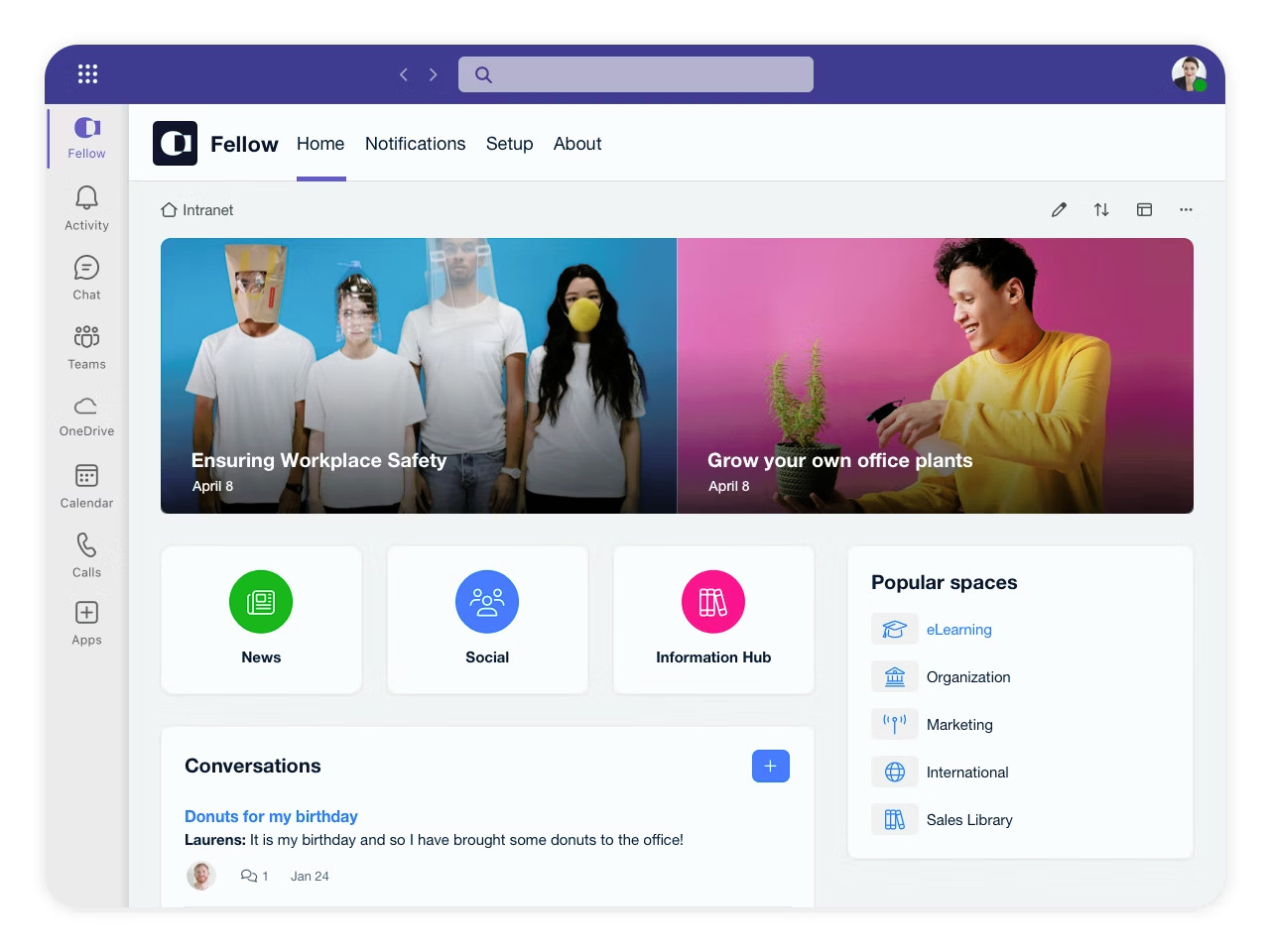
Your platform integrated into Teams
Enhance your Microsoft Teams experience by integrating your intranet and LMS directly into Teams.
No more switching between apps or browser tabs. Employees can seamlessly move from a video meeting to accessing important information on the Fellow Intranet or LMS — all with a single login.
Keep your team up to date with the latest news, training, and resources, all accessible within Teams.
Calendar and Event Integration
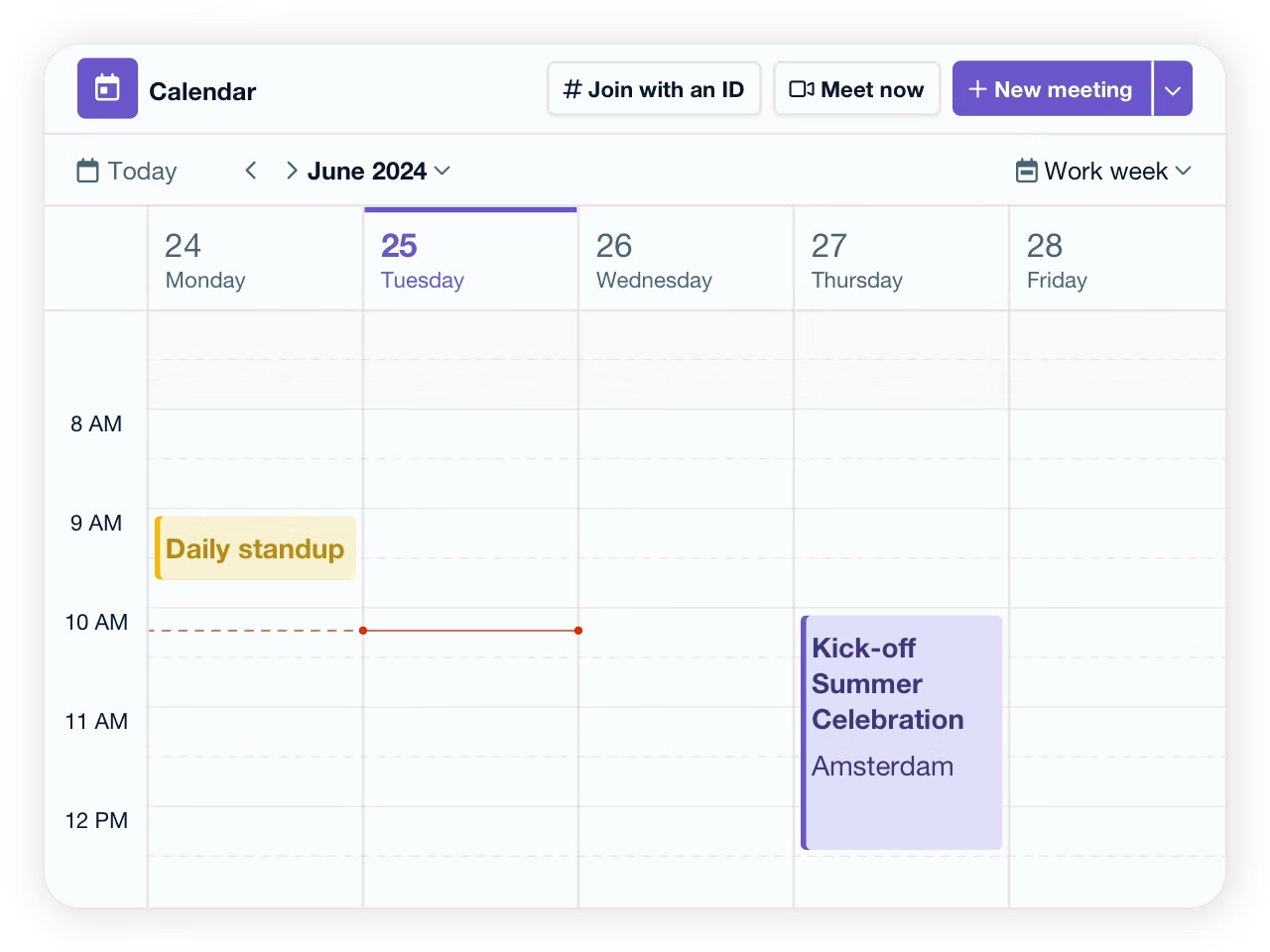
With Fellow Intranet and Fellow LMS, it is very easy to create appointments and events. As soon as participants register, their Outlook calendar is automatically updated. No separate entries or additional actions are needed to stay up to date!
Effortlessly keep track of all your important dates and make sure you never miss an event or appointment with our calendar integration.
SharePoint Integration within Fellow Intranet
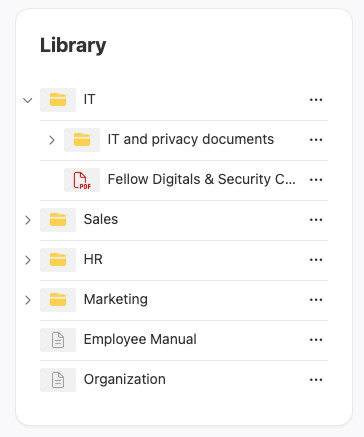
Fellow Intranet offers the possibility to integrate Microsoft SharePoint within the intranet. Folders from SharePoint Teamsites can be displayed within spaces, allowing users to browse the SharePoint folder structure directly from the intranet.
Files remain stored in SharePoint. When a user clicks on a document, it is opened from Microsoft 365.
In addition, searching within SharePoint files can also be integrated into the search function of Fellow Intranet. Users can then search from within the intranet and retrieve results from documents stored in SharePoint.
Requirement: Users must be logged in via Single Sign-On (SSO) with the same Microsoft 365 account they use for SharePoint. Access to files remains dependent on the permissions within Microsoft 365.