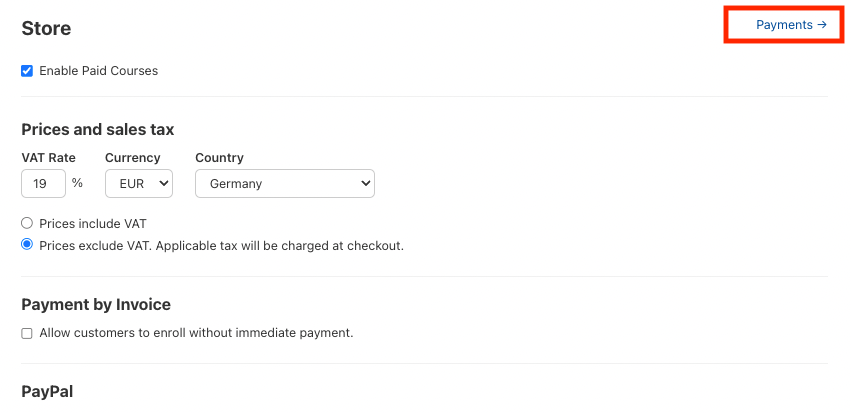
Store / eCommerce
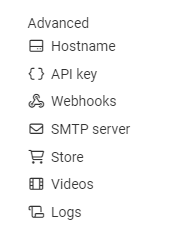
You can find the shop feature under: Settings → Advanced → Store
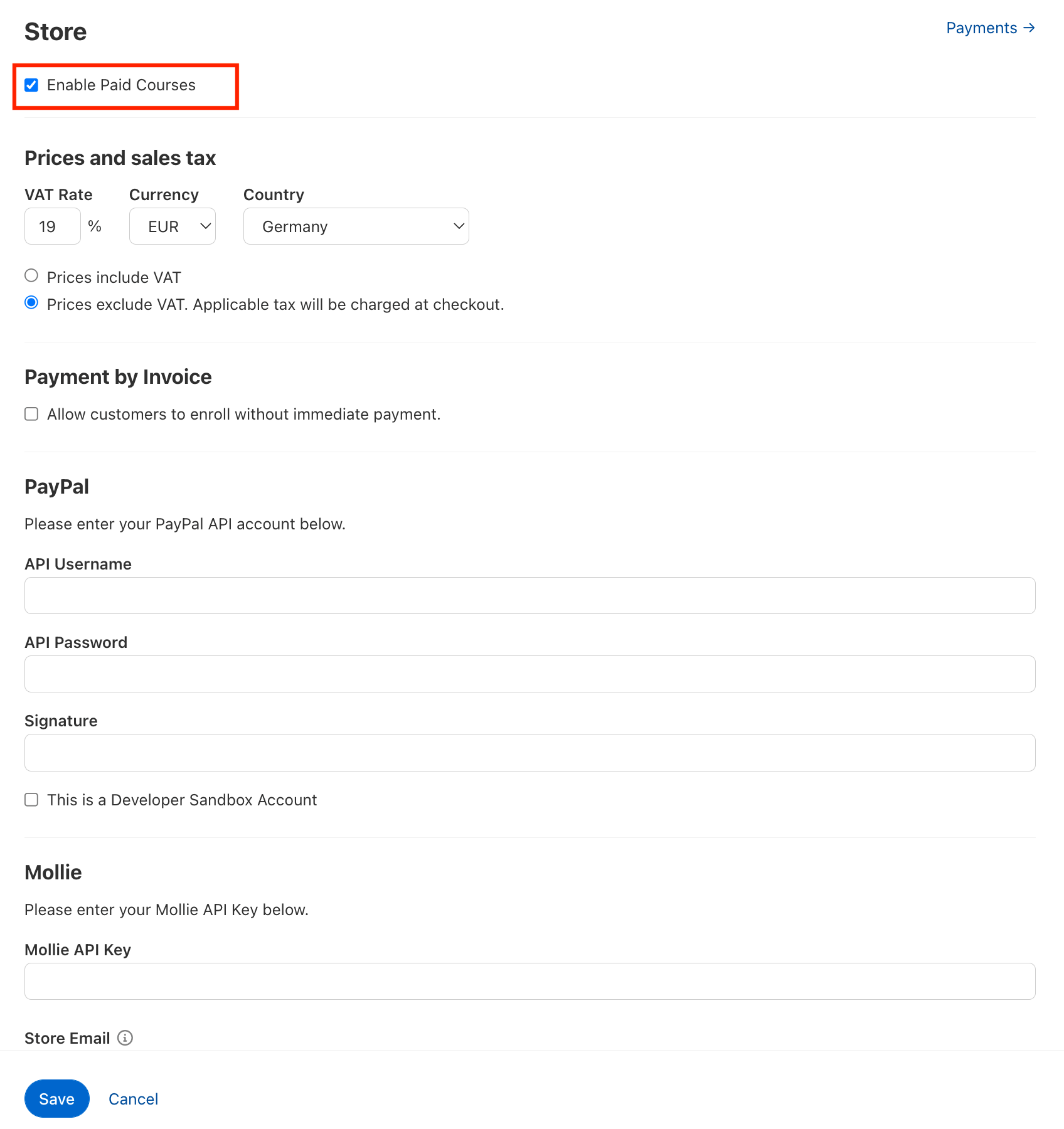
Set up the shop functionality in your academy and then configure an amount and VAT per course. You can keep the payment options open for your customers, allowing them to choose, for example, between PayPal and Mollie.
It is also possible to offer courses on invoice.
Important: Check the box in the top left corner: Allow paid courses.
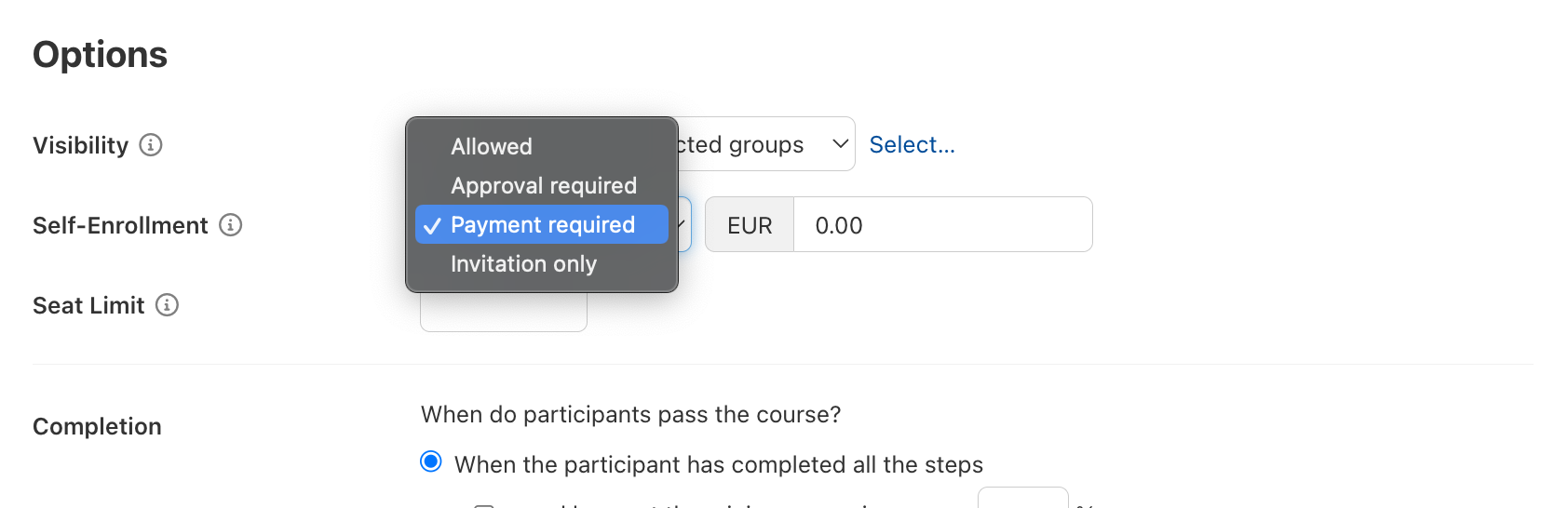
Then navigate to a course and enable the menu item “Payment required” under “Self-enrollment.”
Next, specify the amount the customer must pay for the course.
After courses have been purchased, you can switch to the Store category under Setup > Advanced, and then access the amounts under Payments in the top right corner. You can download them as an Excel file if desired.